Affordable Group Buy Service
200+ Premium Tools Service
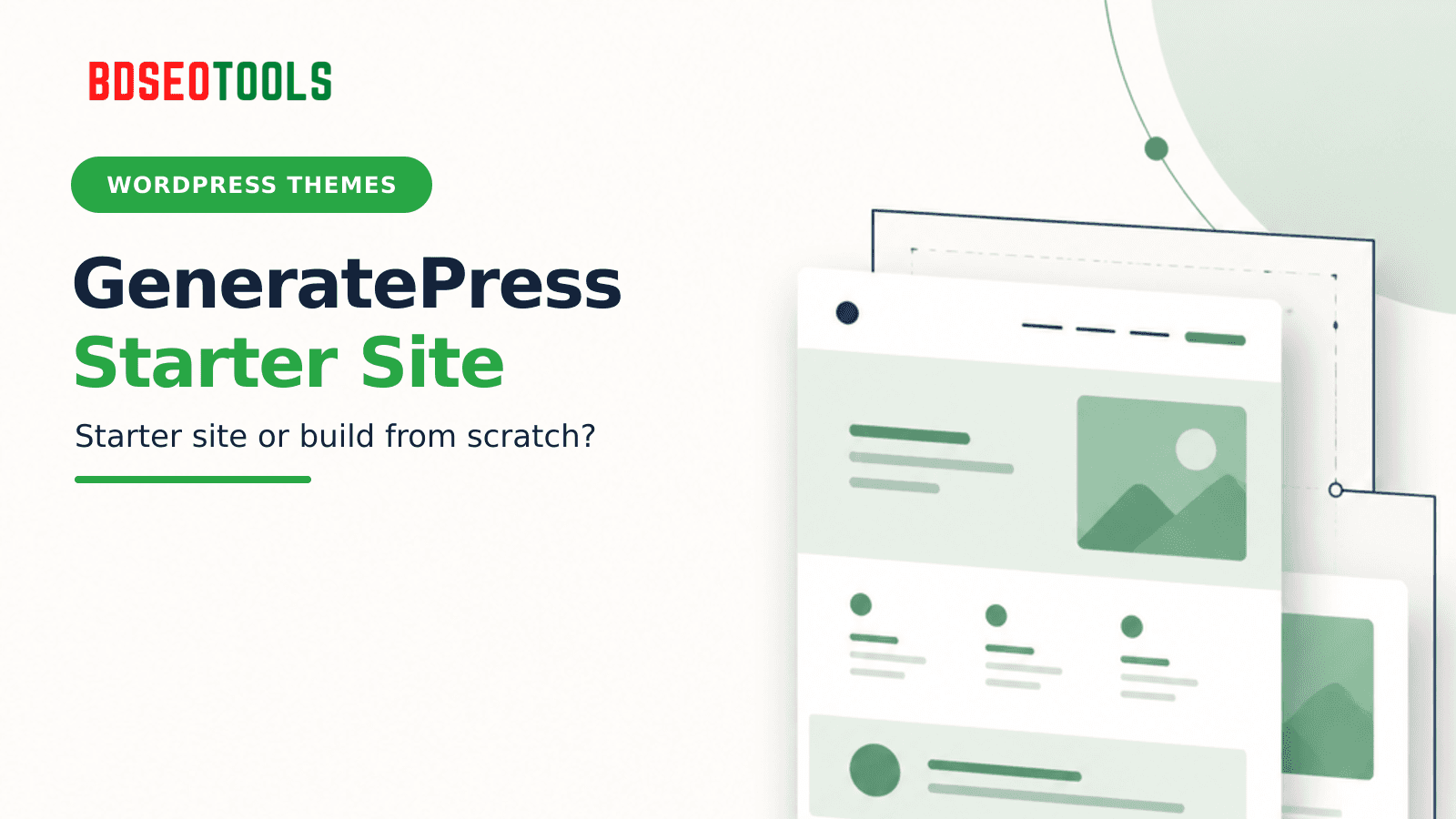
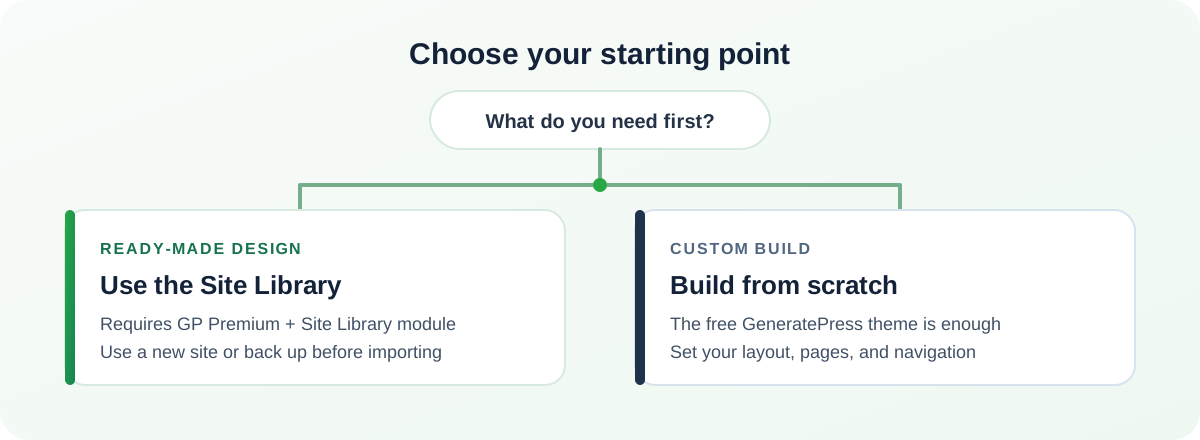
For a new site that fits an available design, use the GeneratePress Site Library; for an existing site, a custom design, or a free-theme-only setup, build from scratch. The Site Library requires GP Premium, so check the exact package before following its import steps. This guide compares both paths and gives you a backup-first setup checklist.
Key points
- The GeneratePress theme is free; GP Premium is a separate plugin.
- The Site Library requires GP Premium and its Site Library module.
- An import changes Customizer settings and can add demo pages, posts, and images.
- The free theme is enough to start from scratch; GP Premium is optional for that path.
- The BDSEOTOOLS catalog listing does not say whether GP Premium is included.
What is different between the two paths?
A Site Library import gives you a ready-made design and optional demo content. Building from scratch gives you a blank starting point and lets you shape the site yourself. The distinction matters because the free GeneratePress theme and GP Premium are separate products.
The free GeneratePress theme is installed from the WordPress theme directory. GP Premium is a separate paid plugin that adds modules. Its Site Library module is required to browse and import starter sites. GeneratePress’s current getting-started guide describes GP Premium as optional for a from-scratch build, but required for the Site Library.
Which path fits your starting point?
- Choose the Site Library if you are starting a new site, like one of the available designs, and have GP Premium with its Site Library module.
- Choose a staging copy first if you already have a website and want to test a starter design without changing the live site.
- Build from scratch if you have existing pages to keep, need a distinctive layout, or only have the free theme.
- Confirm the package first if you are buying a GeneratePress offer and specifically need the Site Library. A theme listing alone does not prove that GP Premium is included.
How to import a starter site safely
Use a fresh WordPress install or a staging copy when possible. The official Site Library guide says an import changes GeneratePress Customizer settings and adds pages, posts, and images. It recommends using a new site or making a backup first.
- Back up first. Save a full backup and confirm you know how to restore it. For a live site, create a staging copy and test there.
- Install the free theme. In WordPress, open Appearance → Themes → Add New Theme, search for GeneratePress, then install and activate it.
- Check GP Premium access. Install GP Premium only if you have a valid package for it. Activate the Site Library module under Appearance → GeneratePress.
- Review the starter site. Open Appearance → GeneratePress → Site Library. Check the site's preview and any required plugins before importing.
- Import, then replace the demo. Follow the on-screen steps. Replace sample text, images, links, and forms; review the menu and each imported page before making the site public.
Do not import demo content onto a live site just to preview the design. If you already have content, keep the backup and staging copy until you have checked the imported settings and pages.
How to build a GeneratePress site from scratch
You can start with the free GeneratePress theme; GP Premium is not required for this basic route.
- Install the theme. Go to Appearance → Themes → Add New Theme, search for GeneratePress, and select Install and Activate.
- Set the global design. Open Appearance → Customize to set the site identity, colors, typography, and layout options available in your installation. Preview changes before publishing them.
- Create the core pages. Use the WordPress block editor to make the pages your site needs, then add them to the main navigation.
- Add only needed extras. Start without plugins you cannot explain. If you later need a specific Premium module, check its current requirements before adding GP Premium.
- Review the result. Check a page and a post on mobile and desktop. Confirm the menu, links, and forms work before launch.
Starting from scratch takes more design decisions, but it avoids importing demo pages you will later need to remove. You can also create the site on staging and move it to the live domain after review.
What should you check before launch?
- The backup can be restored, and the changes were tested on a new or staging site.
- Demo text, images, sample pages, and placeholder links have been replaced or removed.
- Navigation, contact forms, and the main pages work on both phone and desktop widths.
- You know which parts use the free theme and which require GP Premium.
- Any license, update, and activation terms match the exact package you purchased.
These checks confirm that the setup is ready for review; they do not guarantee a speed or search-ranking result.
Where BDSEOTOOLS fits
The BDSEOTOOLS Theme & Plugins listing currently shows GeneratePress Theme at ৳499 for Lifetime, with one website activation using a license key and lifetime auto updates. The listing does not specify GP Premium, the Site Library module, or other paid add-ons. If you need starter-site access, check the Theme & Plugins listing and contact BDSEOTOOLS to confirm the exact package before ordering.
FAQ
Does the GeneratePress Site Library require GP Premium?
Yes. GeneratePress’s current Site Library documentation says the library is a GP Premium feature and requires the Site Library module to be active. The free GeneratePress theme can still be used for a from-scratch site.
Can I build a GeneratePress site with the free theme?
Yes. Install and activate the free theme, then configure its available options in Appearance → Customize and build pages with the WordPress block editor. GP Premium is optional for this basic route, but specific Premium features require the separate plugin.
Should I import a starter site onto an existing website?
Do not import directly onto a live site without a backup. GeneratePress says a Site Library import changes Customizer settings and adds pages, posts, and images. Use a staging copy first, or back up and verify restoration before you import.
What does the BDSEOTOOLS GeneratePress listing specify?
The current listing shows ৳499 for Lifetime, one website activation with a license key, and lifetime auto updates. It does not identify GP Premium or Site Library access. Ask BDSEOTOOLS to confirm those items if they affect your decision.
Does the BDSEOTOOLS listing include GP Premium?
The current listing does not say that GP Premium is included. Do not assume the Site Library will be available after buying the item named GeneratePress Theme; confirm the exact product and module access with the seller first.
Sources
- GeneratePress getting-started guide — the free theme, GP Premium, and the two setup paths; checked 19 November 2026.
- GeneratePress Site Library guide — module requirement, import contents, and backup advice; checked 19 November 2026.
- GeneratePress on WordPress.org — free theme status and optional commercial upgrades; checked 19 November 2026.