Affordable Group Buy Service
200+ Premium Tools Service
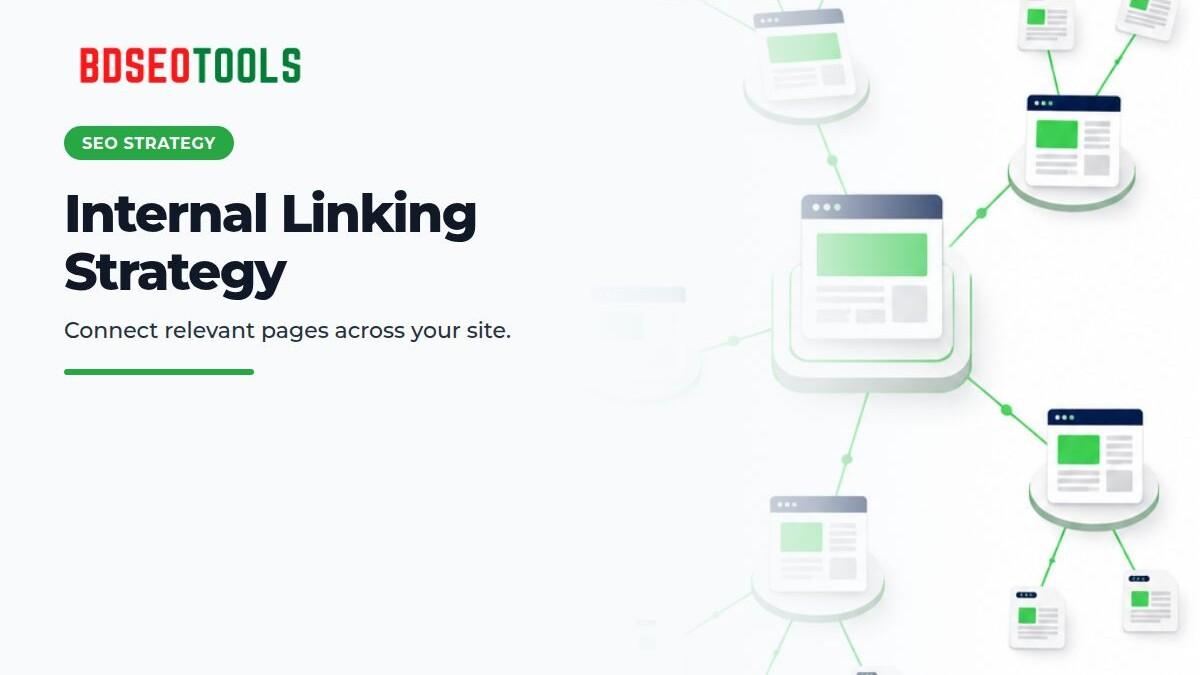
An internal linking strategy connects relevant pages so readers can find related answers and search engines can discover pages and understand their relationships. Internal links do not guarantee rankings, crawling, or indexing; each link should help the reader.
Map the topic structure first
Give each topic a hub or guide page, then organize supporting articles around specific follow-up questions. Do not force every article to link to every other article; build relationships based on topic. Include important landing pages in the site's main navigation or category pages.
- Link from a hub page to important supporting guides.
- Add a relevant return link from each supporting guide to its hub.
- Choose the primary answer when multiple pages cover the same topic.
- Add links from relevant older pages when publishing a new article.
Use crawl reports, the sitemap, and internal-link exports to find orphaned or poorly connected pages. A page being in the sitemap does not create strong navigation; add a natural link from a page that readers already use.
Write descriptive anchor text
Anchor text should tell readers what the destination covers before they click. Name the topic instead of using vague phrases such as “click here” or “learn more.” Do not repeat the same exact-match keyword in an unnatural pattern; make the anchor fit the sentence.
Google's link best practices explain that a crawlable link generally uses an <a> element with an href URL. Do not make a click-handler-only control the sole navigation path. Check link color, focus state, and mobile tap targets for accessibility.
Where to place links
Add a contextual link in a paragraph when the destination answers a likely next question. Related-post lists and breadcrumbs can help, but they do not replace contextual navigation. Adding irrelevant links can increase link counts without improving the user journey.
Check these items during an internal-link audit:
- Is the page reachable from main navigation or a relevant category?
- Does the incoming anchor accurately describe the destination?
- Does the destination return a successful response without a redirect chain?
- Is the link rendered as a crawlable HTML anchor where needed?
- Is the link visible and usable on mobile?
- Does it help the reader take a useful next step?
How this relates to topic clusters
Topic clusters and internal links are not the same thing. A cluster is a plan for related content; internal links are the paths readers use to move through it. Give each article a distinct purpose and avoid publishing similar pages for the same query. For more on architecture, see topic clusters vs. silo structure.
FAQ
How many internal links should an article have?
There is no universal number. Link to destinations that help readers, remove broken or repetitive links, and check whether links distract from the page's main topic.
Can I use exact-match anchor text?
Use descriptive anchors, but do not force the same keyword into every link. The anchor should fit its sentence and accurately describe the destination.
Do internal links make a page get indexed faster?
A crawlable internal link can help Google discover a page, but it does not guarantee crawling or indexing. Also check technical accessibility, content quality, canonical tags, robots directives, and other factors.
Should I link from an older article to a new one?
Add a contextual link when readers of the older article can genuinely benefit from the new one. Do not place an irrelevant link just to promote a new URL.
Next steps
Start with a small link map for important landing pages and supporting articles. Use the SEO content brief template to plan internal links before new content is drafted. If you need an SEO tool, see the BDSEOTOOLS Custom 10 Tools product; the listing states ৳800 per 30 days, so verify the current terms and included choices at checkout.