Affordable Group Buy Service
200+ Premium Tools Service
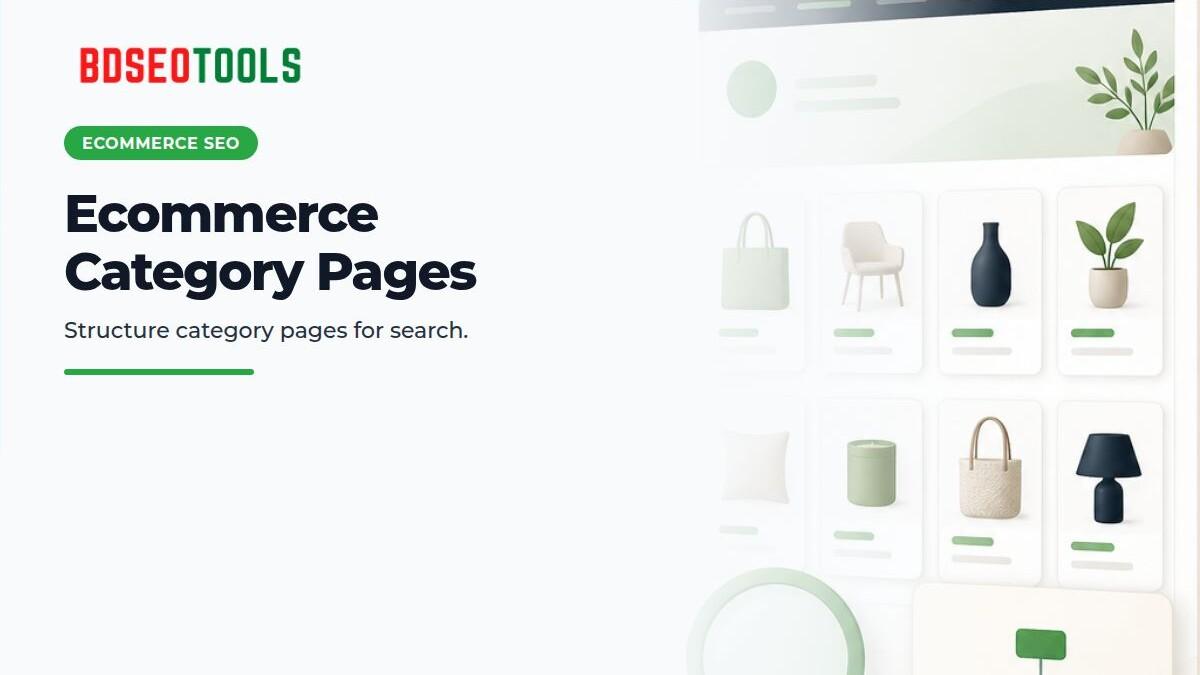
Ecommerce SEO category pages should explain the category scope, navigation, and filters alongside the product list. The goal is not to add long generic text for SEO; it is to help shoppers find the right products and help search engines discover important category and product URLs.
Define the role of the category page
Use a category name that shoppers understand and make clear which products belong on the page. Keep the title, visible heading, navigation label, and page copy aligned. If one page combines unrelated products, consider creating subcategories or reorganizing the navigation.
Use a concise introduction to explain category differences, selection criteria, or useful shipping and compatibility information. Generic keyword paragraphs, copied manufacturer descriptions, and unrelated FAQs may not help shoppers decide. Keep useful copy near the product list and avoid text that makes the list difficult to use on mobile.
Navigation and internal links
Google's ecommerce site structure guidance explains how navigation and cross-page links help show relationships between important pages. Use crawlable links to category, subcategory, and product pages. Do not make important pages discoverable only after a search form submission or JavaScript interaction.
- Keep breadcrumb and category-navigation labels understandable.
- Link to related subcategories when the context supports it.
- Provide a path from product pages back to their parent category.
- Keep the navigation hierarchy clear instead of repeating unnecessary footer links or identical anchors.
Filters and faceted navigation
Color, size, brand, price, and sorting options help shoppers narrow a product list. But making every filter combination a separate crawlable URL can create many URLs with nearly identical product sets. Do not index every filter by default; use data to determine whether a combination has distinct search demand and unique product value.
Plan filter URL crawlability, canonicals, pagination, robots directives, internal links, and the sitemap together. A canonical tag alone does not resolve every crawl or duplicate-URL issue. Test representative URLs in development, then use Search Console and server logs to monitor which URLs Google crawls.
Structured data and product details
Add structured data to a category listing only when it matches visible content and the supported specification. Google's ecommerce structured data guidance discusses BreadcrumbList and product-related data; choose the type that fits the page. Do not mark up hidden or estimated prices, availability, ratings, or reviews.
Launch checklist
- Check whether the category title and visible heading express the same intent.
- Confirm that users can reach the product list and pagination works.
- Document which filter URLs should be crawlable or indexable.
- Validate breadcrumbs, canonicals, the sitemap, and structured data.
- Test filters and product cards on mobile.
- Monitor indexing and performance in Search Console; do not attribute sales changes to one SEO edit without evidence.
For content and keyword research, consider the BDSEOTOOLS Content Plan. Its product page lists ৳1,000 per 30 days and 25+ tools; verify the current package contents and shared-access limits before checkout.
FAQ
How many words should a category page contain?
There is no universal word count. Include information that helps shoppers choose; do not add long, repetitive copy solely for search engines.
Should every filter page be indexed?
No. Check whether the filter combination has distinct search intent, stable inventory, and independent user value. Avoid making large numbers of near-duplicate URLs indexable when they are not useful.
Does a canonical tag solve every filter URL issue?
No. A canonical is a signal, not a replacement for URL management. Review internal links, crawl controls, the sitemap, pagination, and selected landing pages together.
Does a category page need FAQ schema?
Adding FAQ schema alone does not guarantee a Google rich result or traffic. Use visible, genuine questions and answers only after checking current markup policies and eligibility.